# Remote-Android Script
This script adds Gapps, Magisk and libndk to redroid **without recompiling the entire image**
## Specify an Android version
Use `-a` or `--android-version` to specify the Android version of the image being pulled. The value can be `8.1.0`, `9.0.0`, `10.0.0`, `11.0.0`, `12.0.0` or `13.0.0`. The default is 11.0.0.
```bash
# pull the latest image
python redroid.py -a 11.0.0
```
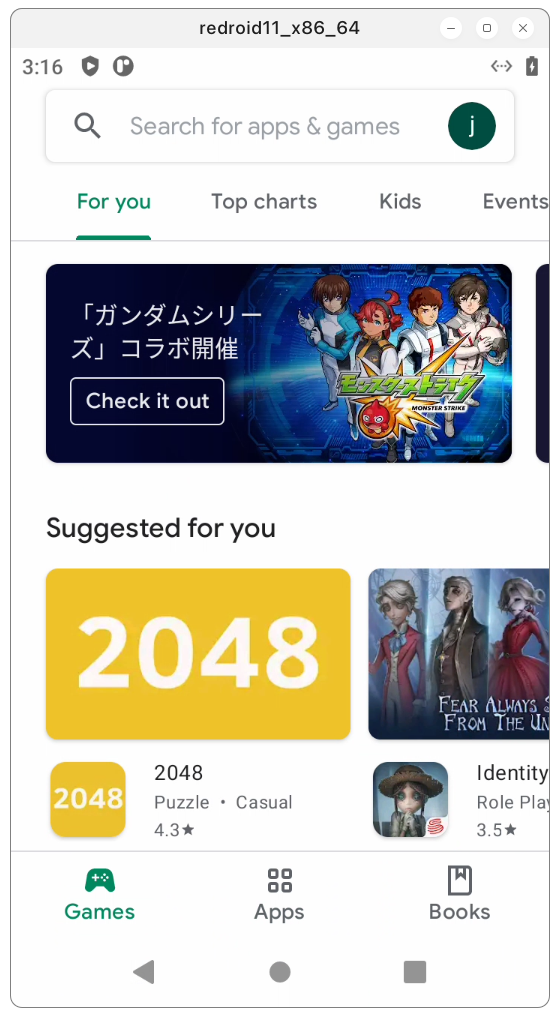
## Add OpenGapps to ReDroid image
 ```bash
python redroid.py -g
```
## Add libndk arm translation to ReDroid image
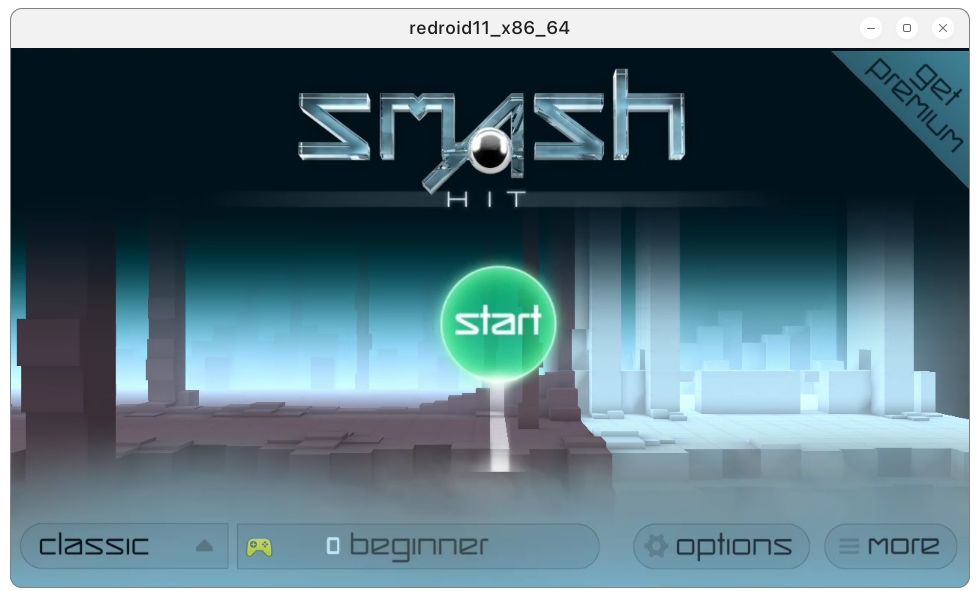 libndk_translation from guybrush firmware.
libndk seems to have better performance than libhoudini on AMD.
```bash
python redroid.py -n
```
## Add Magisk to ReDroid image
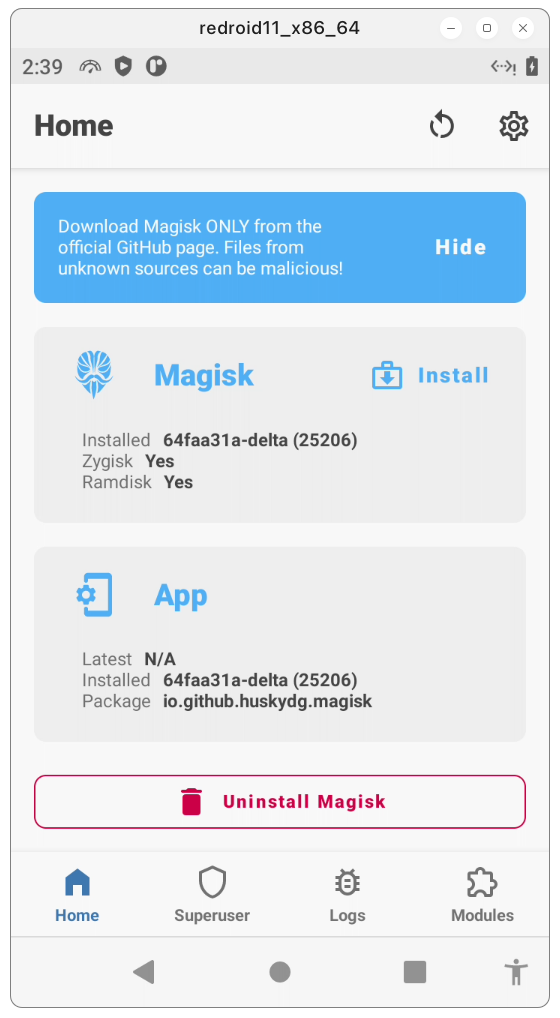 Zygisk and modules like LSPosed should work.
```bash
python redroid.py -m
```
## Example
This command will add Gapps, Magisk and Libndk to the ReDroid image at the same time.
```bash
python redroid.py -a 11.0.0 -gmn
```
## Troubleshooting
- Magisk installed: N/A
According to some feedback from WayDroid users, changing the kernel may solve this issue. https://t.me/WayDroid/126202
- The device isn't Play Protect certified
1. Run below command on host
```
adb root
adb shell 'sqlite3 /data/data/com.google.android.gsf/databases/gservices.db \
"select * from main where name = \"android_id\";"'
```
2. Grab device id and register on this website: https://www.google.com/android/uncertified/
- libndk doesn't work
I only made it work on `redroid/redroid:11.0.0`. Also, turning on Zygisk seems to break libndk.
- libhoudini doesn't work
I have no idea. I can't get any version of libhoudini to work on redroid.
## Credits
1. [waydroid_script](https://github.com/casualsnek/waydroid_script)
2. [Magisk Delta](https://huskydg.github.io/magisk-files/)
3. [vendor_intel_proprietary_houdini](https://github.com/supremegamers/vendor_intel_proprietary_houdini)